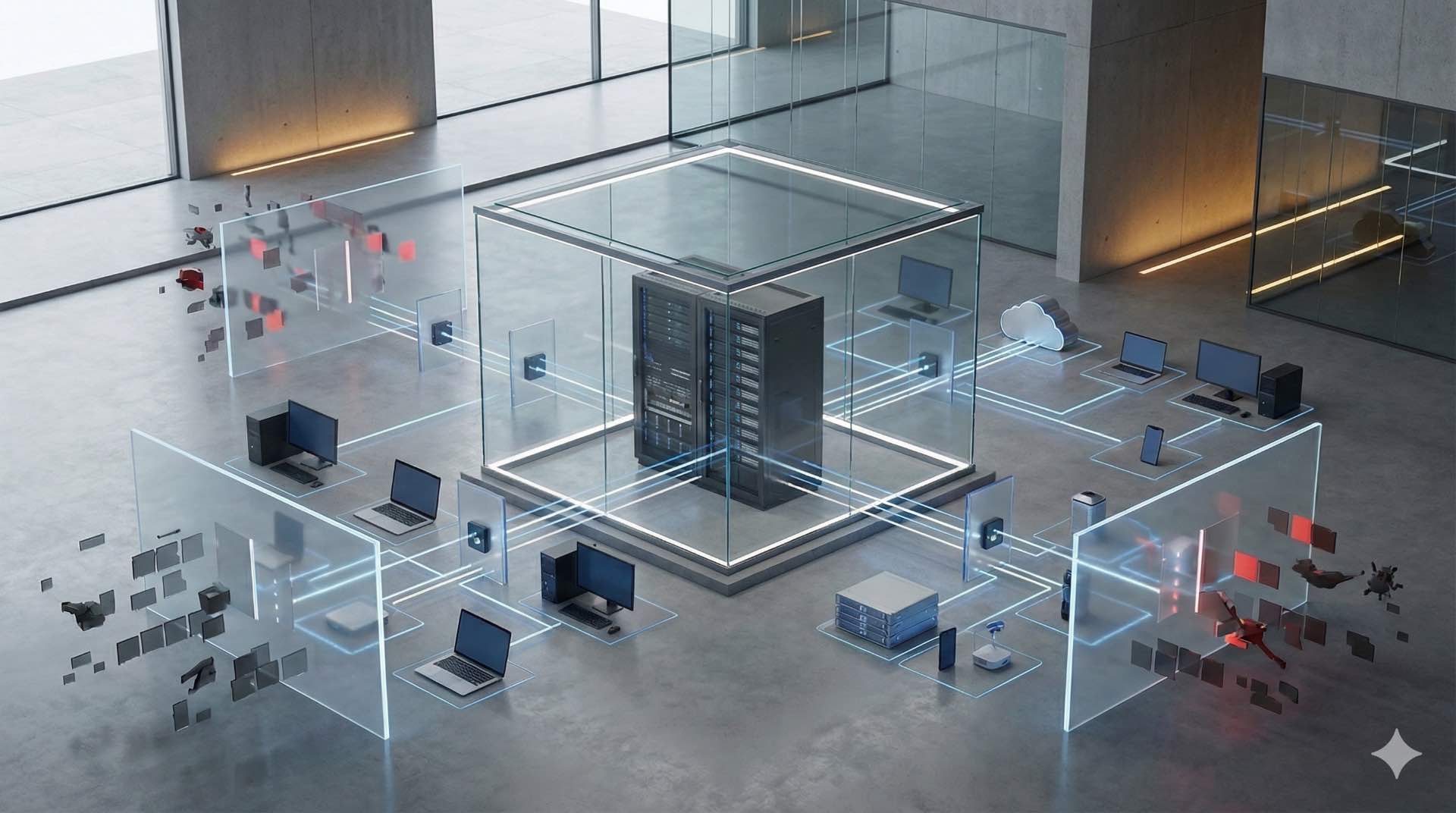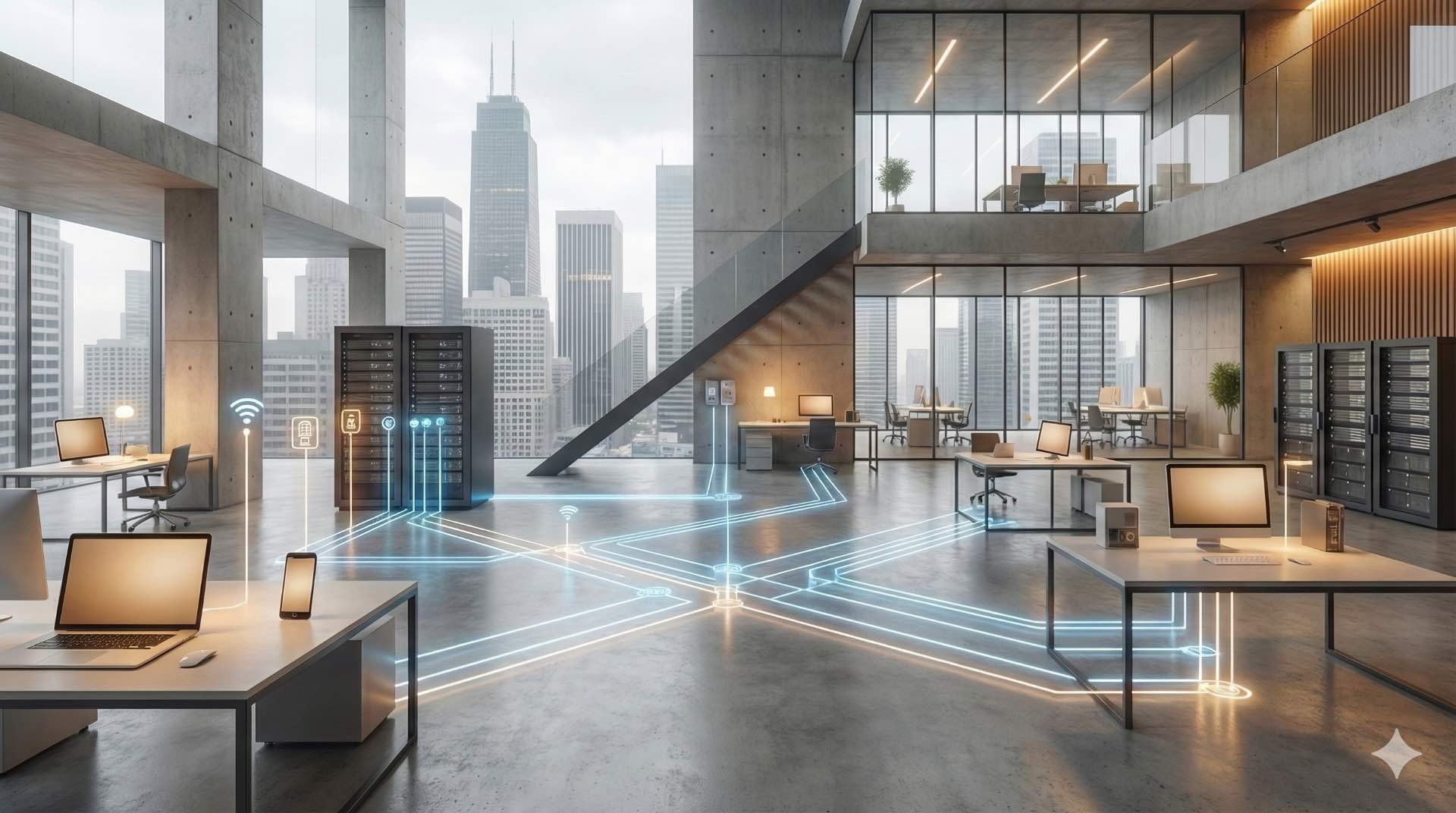



Rack cabinet and server rack systems organize network cabinet and IT equipment in data center with cooling, security, and cable management.
Modern businesses rely heavily on technology infrastructure to maintain operations. Rack cabinet, server racks, and network cabinets have become fundamental components in managing IT equipment efficiently within data center facilities. These specialized server rack enclosures provide organized housing for critical hardware while ensuring optimal performance in data centers and server rooms. Network cabinet systems protect expensive IT equipment while streamlining maintenance processes for organizations of all sizes.
The technology landscape continues evolving rapidly within every data center environment. Companies generate massive amounts of data daily, requiring robust server rack infrastructure solutions. A rack cabinet serves as the backbone of this infrastructure, offering a standardized approach to network cabinet deployment. Understanding these IT equipment housing systems helps businesses make informed decisions about their data center investments and operational efficiency.
Understanding Rack Cabinets
What Is a Rack Cabinet?
A rack cabinet is a standardized metal enclosure specifically designed to house electronic equipment. These server rack frames follow industry standards, primarily the 19-inch specification established by the Electronic Industries Alliance. The standardized server rack design ensures compatibility across different manufacturers and equipment types.
Server racks provide vertical mounting space for various devices. Each network cabinet unit accommodates servers, switches, routers, storage systems, and other networking hardware. The enclosed server rack design protects IT equipment from dust, physical damage, and unauthorized access. Most data centers worldwide use these standardized server rack systems for reliable operations.
How Rack Cabinets Work in IT Infrastructure
Network cabinets function as centralized hubs for technology operations. IT equipment mounts onto vertical rails inside the network cabinet using standardized mounting holes. This server rack arrangement creates an organized, accessible system for managing complex IT equipment in data center environments.
The server rack design promotes efficient airflow patterns. Cold air enters from the front, passes through the IT equipment, and exits as hot air from the rear. This front-to-back airflow principle keeps IT equipment operating within safe temperature ranges in every data center. Proper thermal management in network cabinets extends hardware lifespan significantly.
Types of Rack Cabinets
Open-Frame Rack vs Enclosed Cabinet
Open-frame server racks consist of vertical mounting rails without side panels or doors. These lightweight network cabinet structures offer excellent accessibility and natural airflow. They work well in secure data center environments where dust and physical security aren’t primary concerns.
Enclosed network cabinets feature full panels, doors, and locks. These provide superior protection for IT equipmentagainst environmental factors and unauthorized access. The enclosed server rack design enables better climate control, making them ideal for sensitive data center environments. Organizations choose between these based on specific security and environmental requirements for their IT equipment.
2-Post Rack vs 4-Post Rack Configuration
Two-post server racks use two vertical support beams. These work well for lighter IT equipment like networking switches and patch panels. The simplified network cabinet design reduces costs and saves floor space. However, weight capacity remains limited compared to four-post server rack alternatives.
Four-post server racks feature four vertical supports, creating a more stable structure. These handle heavier server rack installations and deeper IT equipment. The additional support enables mounting from both front and rear positions. Most enterprise data centers prefer four-post network cabinet configurations for their versatility and strength.
Wall-Mounted vs Floor-Standing Racks
Wall-mounted network cabinets attach directly to walls, saving valuable floor space. These compact server rack units typically range from 6U to 15U in height. Small offices and network closets benefit from this space-efficient network cabinet approach. Installation requires proper wall anchoring to support IT equipment weight.
Floor-standing server racks rest on the ground and accommodate larger deployments. Heights commonly reach 42U or 48U, providing substantial capacity for IT equipment. These freestanding network cabinet units support heavy loads and complex configurations. Large data centers predominantly use floor-standing server rack models for their scalability.
Standard Rack Cabinet Dimensions
The 19-Inch Standard Explained
The 19-inch standard defines the mounting width between vertical rails in every server rack. This measurement, established nearly a century ago, ensures universal compatibility for IT equipment. Equipment from different manufacturers fits seamlessly into standard rack cabinets and network cabinets.
The actual mounting distance measures 18.31 inches center-to-center between holes. IT equipment front panels span the full 19 inches, including mounting ears. This standardization revolutionized the data center industry by enabling interchangeable components. Today’s server racks continue following this proven specification for network cabinetdeployments.
Rack Unit Measurements and Height
One rack unit (1U) equals 1.75 inches in height for server rack installations. This standardized measurement determines how much IT equipment fits vertically in network cabinets. A 1U device occupies minimal space, while 2U, 3U, and 4U devices require proportionally more room.
Standard network cabinet heights include 42U (the most common), 48U, and smaller variants. A 42U server rackprovides 73.5 inches of usable mounting space for IT equipment. Organizations calculate their data center needs by totaling the rack units required for all equipment. Planning should include extra space for future server rack growth.
Depth and Width Considerations
Cabinet depth typically ranges from 600mm to 1200mm. Deeper racks accommodate longer servers and provide more cable management space. Modern high-density equipment often requires greater depth for proper airflow.
External width commonly measures 600mm or 800mm. The wider dimension offers additional space for vertical cable managers and side-mounted accessories. Proper depth selection prevents equipment protrusion and ensures adequate rear access for IT equipment maintenance.
Key Benefits of Using Rack Cabinets
Space Optimization in Data Centers
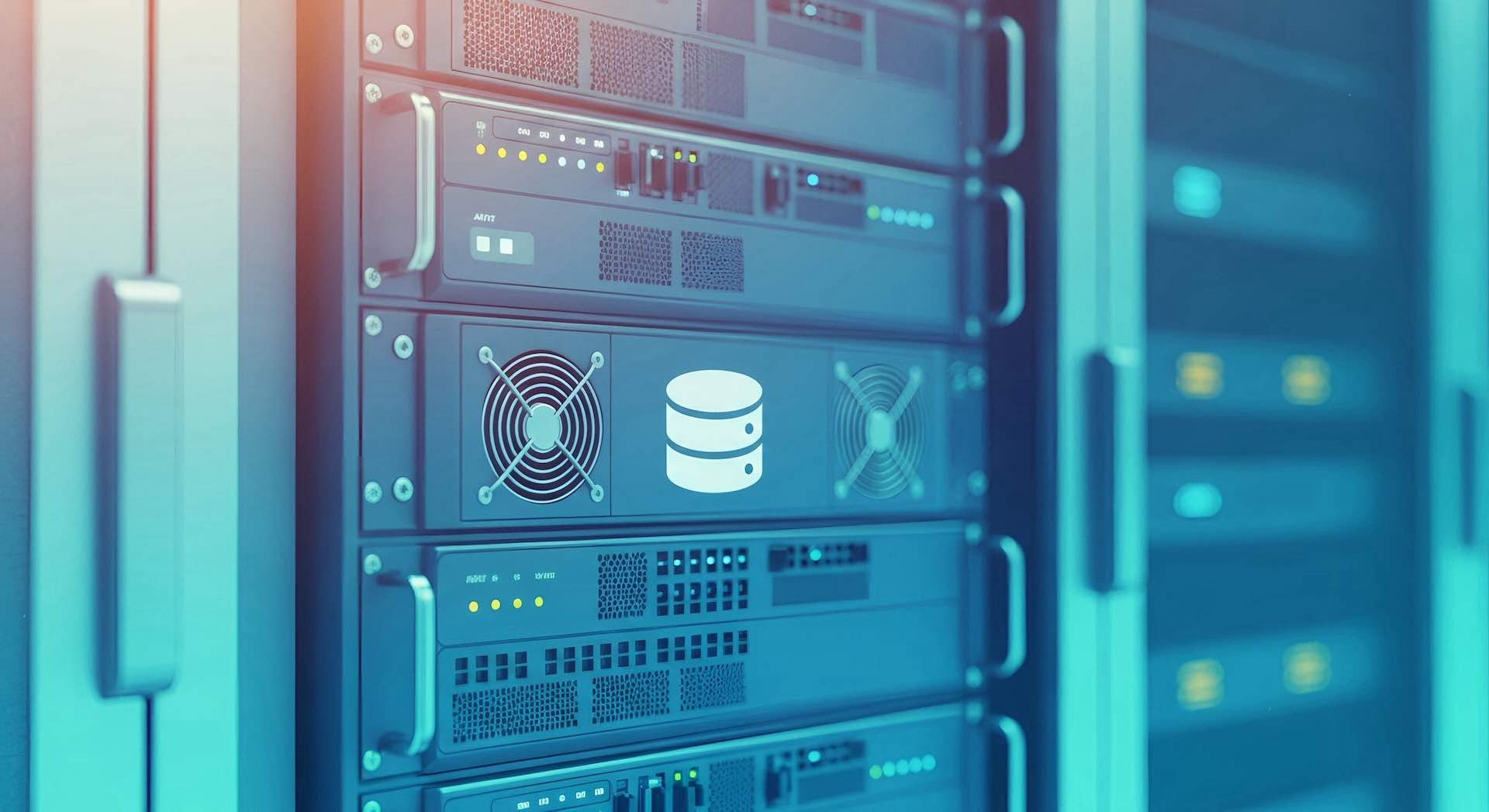
Rack cabinets maximize vertical space utilization efficiently. A single 42U cabinet houses over 40 standard 1U devices in less than one square meter of floor space. This density proves crucial for expensive data center real estate.
Organized vertical mounting eliminates scattered equipment across multiple shelves. The compact arrangement reduces the physical footprint while increasing capacity. Consequently, businesses accommodate more technology in smaller areas. This efficiency translates directly into cost savings.
Enhanced Cooling and Airflow Management
Proper server rack design facilitates optimal thermal management. The front-to-back airflow pattern moves heat away from sensitive components efficiently. Perforated doors and ventilation panels enhance air circulation throughout the cabinet.
Many modern cabinets integrate active cooling solutions. Built-in fans, liquid cooling systems, and heat exchangers maintain safe operating temperatures. Furthermore, organized equipment placement prevents hot spots. Effective cooling reduces energy consumption while prolonging hardware life.
Improved Cable Organization
Network cabinets include dedicated cable management features. Vertical cable managers route wires neatly along the sides. Horizontal managers organize patch cables between devices. This structured approach prevents tangled messes.
Well-organized cables improve troubleshooting efficiency dramatically. Technicians trace connections quickly without untangling spaghetti-like cable bundles. Additionally, proper cable routing maintains unobstructed airflow paths. The result is cleaner installations and faster maintenance response times.
Physical Security Features
Enclosed rack cabinets provide multiple security layers. Lockable front and rear doors prevent unauthorized physical access. Some models include biometric locks, RFID card readers, or electronic access controls. These features protect valuable IT equipment from theft and tampering.
Solid side panels shield internal components from accidental damage. The enclosed environment also protects against dust and debris accumulation. Environmental protection extends equipment lifespan while maintaining reliability. Security becomes especially critical in shared facilities and public areas.
Essential Components of Rack Cabinets
Mounting Rails and Hardware
Vertical mounting rails form the backbone of every server rack. These rails contain standardized hole patterns for equipment attachment. Square holes accommodate cage nuts, while threaded holes accept bolts directly. Adjustable rails provide flexibility for varying equipment depths.
Mounting hardware includes screws, cage nuts, and clip nuts. Quality hardware ensures secure equipment installation. Some racks feature tool-less mounting systems for faster deployment. Proper mounting prevents equipment movement and potential damage during operation.
Cooling Systems and Ventilation
Passive ventilation uses perforated doors and panels. These allow natural airflow without consuming power. Active cooling employs fans mounted on top, sides, or within the cabinet. Fan trays push or pull air through the rack cabinet.
Advanced systems include rack-mounted air conditioners and liquid cooling solutions. These handle high-density deployments exceeding standard cooling capacity. Temperature sensors monitor conditions continuously. Intelligent systems adjust cooling dynamically based on real-time thermal loads within the data center.
Cable Management Accessories
Vertical cable managers attach to the sides of mounting rails. These organize power cables, network cables, and fiber optics separately. D-rings, cable trays, and lacing bars provide routing pathways. Horizontal cable managers fit between devices, organizing patch cables neatly.
Cable entry points at top and bottom facilitate clean installations. Brush strips seal openings while allowing cable passage. Velcro straps bundle cables without damage, unlike zip ties. Comprehensive cable management improves aesthetics and functionality simultaneously in network cabinets.
Power Distribution Units
Power Distribution Units (PDUs) mount vertically or horizontally inside cabinets. These devices distribute power to multiple equipment pieces from a single source. Basic PDUs provide simple power distribution. Metered PDUs monitor power consumption. Switched PDUs enable remote outlet control.
Intelligent PDUs offer advanced monitoring and management capabilities. They track power usage, temperature, and humidity. Remote management reduces the need for physical data center visits. Proper power distribution prevents overloaded circuits and ensures reliable operation of IT equipment.
Choosing the Right Rack Cabinet
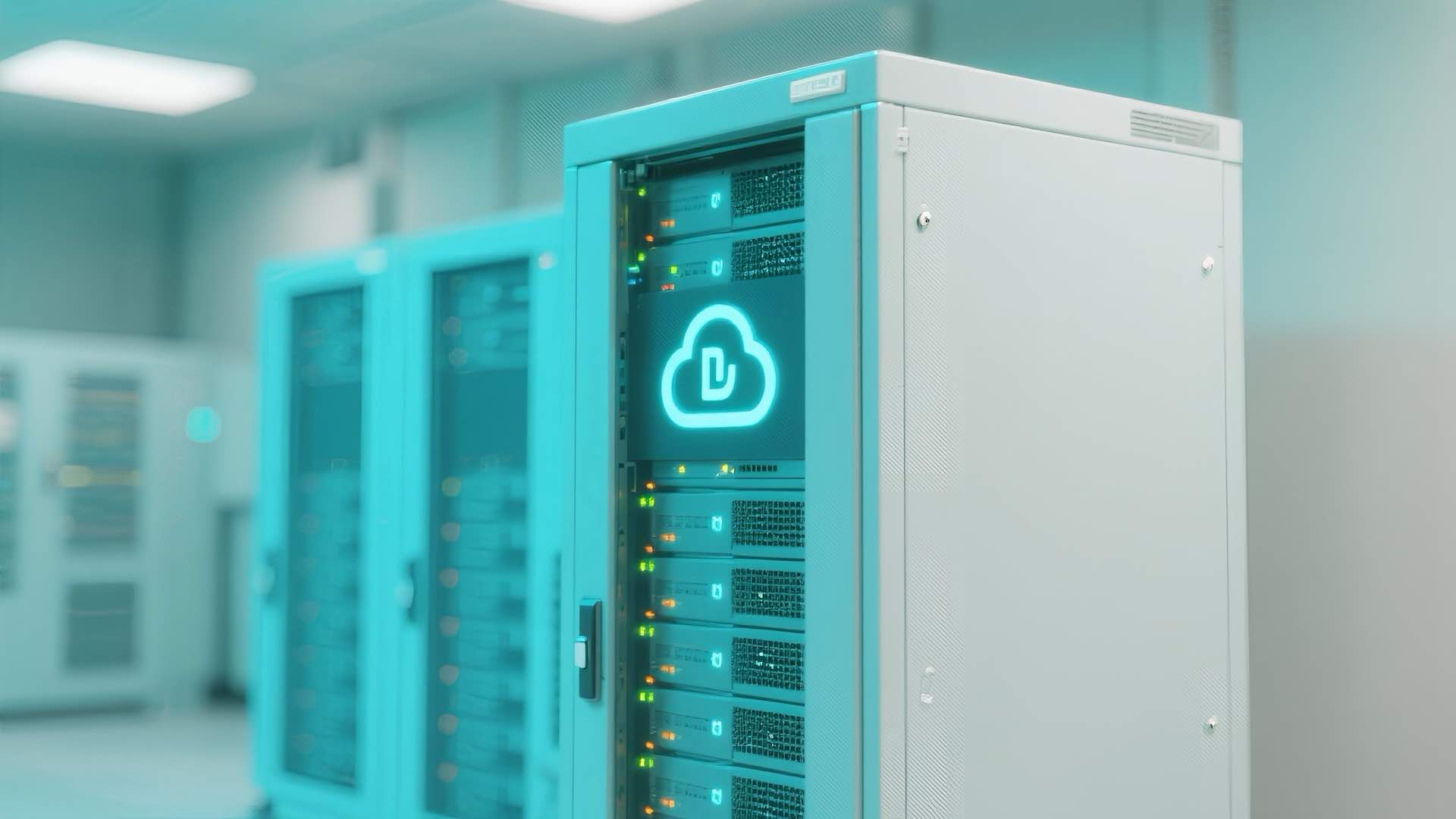
Assessing Your Equipment Needs
Start by inventorying all equipment requiring rack mounting. Calculate total rack units needed, including servers, switches, routers, and storage. Add 20-30% extra capacity for future expansion. Consider equipment depth and weight specifications carefully.
Different applications require different configurations. A small office needs differ from enterprise data centerrequirements. Network operations demand high-density switching capacity. Each scenario influences rack cabinetselection. Thorough assessment prevents costly mistakes and future limitations.
Load Capacity Requirements
Static load capacity indicates maximum weight when stationary. Dynamic load capacity applies when moving the cabinet on casters. Most standard server racks support 1,000 to 2,000 pounds static load. Heavy-duty models handle even more.
Calculate the combined weight of all planned equipment. Include cables, PDUs, and accessories in weight calculations. Leave safety margins to prevent overloading. Floor loading capacity also matters in multi-story buildings. Structural considerations prevent accidents and equipment damage.
Environmental Considerations
Installation location affects rack cabinet requirements significantly. Climate-controlled data centers need less robust environmental protection. Warehouse or industrial settings require ruggedized cabinets. Consider ambient temperature, humidity, dust levels, and potential vibrations.
Outdoor installations demand weather-resistant enclosures. NEMA-rated and IP-rated cabinets protect against environmental hazards. Seismic-rated racks provide earthquake protection in vulnerable regions. Matching cabinet specifications to environmental conditions ensures reliable operation and equipment protection.
Scalability and Future Growth
Technology infrastructure evolves continuously. Choose rack cabinets with room for expansion beyond immediate needs. Modular designs allow adding cooling, power, or mounting capacity later. Scalable solutions adapt to changing requirements without complete replacement.
Consider pathway capacity for additional cabling. Plan for increased power distribution needs as equipment density grows. Flexible server rack configurations accommodate various equipment types. Forward-thinking decisions minimize future infrastructure overhauls and associated costs.
Applications of Rack Cabinets
Data Center Deployments
Enterprise data centers represent the primary application for rack cabinets. Rows of standardized racks create efficient, manageable infrastructure. Hot aisle/cold aisle configurations optimize cooling efficiency. Centralized management simplifies operations across hundreds or thousands of devices.
Colocation facilities rely heavily on standardized racks. Multiple clients share physical space while maintaining logical separation. Cloud service providers deploy massive rack installations supporting millions of users. The standardized approach enables rapid scaling and consistent management practices.
Server Rooms and IT Closets
Medium-sized businesses maintain dedicated server rooms. These spaces house essential infrastructure supporting daily operations. Network cabinets consolidate equipment in organized, secure locations. Proper rack systems transform chaotic closets into professional-grade facilities.
Educational institutions, healthcare facilities, and government offices use rack solutions extensively. Each location benefits from organized equipment placement. Centralized infrastructure simplifies troubleshooting and upgrades. Even smaller deployments gain significant advantages from proper rack implementation.
Network Operations Centers
Network Operations Centers (NOCs) monitor and manage complex networks. Rack cabinets house monitoring equipment, network management systems, and communication devices. Operators require quick access for troubleshooting. Clear cable labeling and organization prove essential in these environments.
Telecommunications companies operate extensive NOC facilities. These centers manage traffic across regional or national networks. Reliable rack infrastructure ensures uninterrupted service delivery. Redundant systems within multiple racks provide failover protection against equipment failures.
Edge Computing Locations
Edge computing pushes processing closer to data sources. Remote locations deploy compact rack cabinets for local data processing. These installations reduce latency and bandwidth requirements. Retail stores, manufacturing facilities, and remote offices benefit from edge deployments.
Smaller racks, often 12U to 24U, suit edge applications. These installations face unique challenges including limited space and minimal climate control. Ruggedized cabinets withstand harsher conditions. Self-contained cooling solutions maintain safe operating temperatures in challenging environments.
Installation and Maintenance
Rack Cabinet Setup Best Practices
Begin installations with proper site preparation. Ensure adequate power circuits and cooling capacity. Level the floor and verify load-bearing capacity. Position racks considering airflow patterns and access requirements within the data center.
Plan cable routing before installing equipment. Run power and data cables through separate pathways. Label everything clearly from the start. Install heavier equipment at the bottom for stability. Leave space between devices for airflow and heat dissipation.
Proper Equipment Mounting Techniques
Mount equipment securely using appropriate hardware. Verify compatibility between mounting holes and cage nuts. Tighten screws evenly to prevent chassis warping. Some IT equipment requires front and rear mounting for stability.
Never skip mounting hardware to save time. Loose equipment vibrates, potentially damaging components. Use blanking panels to cover unused rack spaces. These panels maintain proper airflow patterns and improve appearance. Professional mounting practices prevent future problems.
Regular Maintenance Requirements
Schedule regular inspections of rack cabinet systems. Check for dust accumulation affecting cooling efficiency. Verify all mounting hardware remains tight. Inspect power connections for signs of overheating. Clean fan filters periodically to maintain airflow.
Update cable documentation as changes occur. Remove decommissioned equipment and cables promptly. Perform thermal surveys to identify hot spots. Proactive maintenance prevents downtime and extends equipment life. Well-maintained server racks and network cabinets deliver reliable performance for years. Organizations investing in proper rack cabinet infrastructure position themselves for success. These server rack systems provide the foundation for reliable technology operations. Modern data centers depend on well-designed server rack solutions supporting critical business functions. Understanding network cabinet fundamentals enables informed decisions benefiting IT equipment deployments across all data center applications.