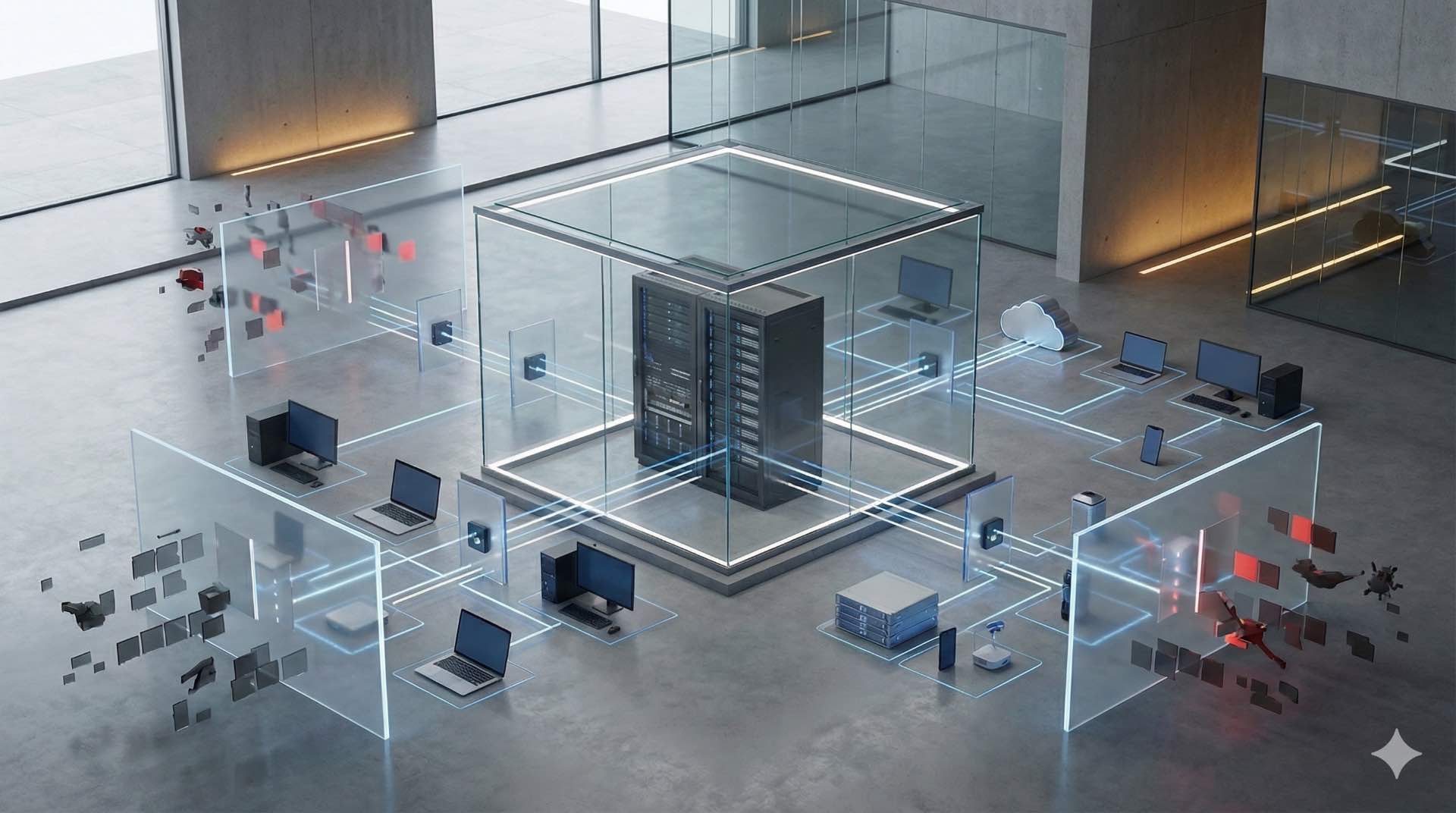



Blanking panels seal unused server rack and rack cabinet spaces to prevent airflow bypass, improve cooling efficiency, reduce costs, and protect equipment.
Blanking panels are simple yet powerful components that transform how data center cooling systems perform. These plates address a critical challenge in server rack management by preventing wasted cold air from escaping through empty spaces. When you implement proper airflow management strategies using blanking panels in your rack cabinet systems, operations become more efficient, cooling costs drop, and equipment stays protected from heat-related failures.
Understanding Blanking Panels in Server Racks
A blanking panel is a metal or plastic plate designed to cover unused rack unit spaces in server cabinets. These panels fill gaps where IT equipment isn’t installed, creating a sealed environment that directs airflow exactly where it needs to go. Most modern data centers use these components as standard practice because they solve a fundamental problem: empty rack cabinet spaces create shortcuts for cold air that should be cooling your active equipment.
The design is straightforward. Most blanking panels snap into place without tools, making installation quick and reversible. They come in various sizes to match standard server rack unit measurements, typically covering one or two U spaces at a time. Some feature perforations for limited airflow control, while others provide complete sealing for maximum efficiency.
The Science Behind Airflow Management
Proper airflow management relies on a simple principle: keep hot and cold air separated. Your cooling system pushes chilled air into cold aisles, where it should flow directly into equipment intakes. That equipment then exhausts hot air into hot aisles, where it returns to cooling units for reconditioning. This cycle works beautifully when everything is sealed properly in your server rack infrastructure.
How Hot and Cold Air Mixing Impacts Performance
When cold and hot air mix inside your rack cabinet, the temperature of intake air rises significantly. This mixing happens when gaps in your rack allow cold air to bypass equipment and blend with hot exhaust air. The result is warmer intake temperatures that force your equipment to work harder and your cooling systems to run longer cycles.
Air mixing also creates pressure imbalances inside cabinets. Cold air takes the path of least resistance, and if that path leads through an empty rack cabinet space rather than through your equipment, that’s where it goes. You end up with some equipment getting too much cooling while other components run dangerously hot.
Temperature Increases Without Proper Sealing
Research shows that unsealed server rack spaces can raise component temperatures by up to nine degrees. Here’s what makes this alarming: a single 42U rack without blanking panels can have more than 220 square inches of open area. That’s equivalent to leaving six or more rack units completely empty and unsealed.
These temperature increases accumulate over time. Equipment running consistently hot experiences faster degradation of internal components. Hard drives fail sooner, processors throttle performance, and power supplies work overtime to compensate. The cascading effects touch every aspect of your IT infrastructure.
Primary Benefits of Using Blanking Panels
Installing blanking panels delivers measurable improvements across multiple areas of data center cooling operations. You’ll see changes in energy bills, equipment reliability, and overall system performance within weeks of implementation.
Enhanced Cooling Efficiency
Blanking panels direct 100% of your chilled air through active equipment in each server rack. This focused airflow means every cubic foot of cold air you’re paying to produce actually cools something valuable. Your cooling units work less to achieve the same results because they’re not fighting against bypass airflow.
The efficiency gains compound in high-density environments. When you pack more equipment into each rack cabinet, proper sealing becomes even more critical. Blanking panels ensure that increased density doesn’t automatically mean increased cooling challenges.
Reduced Energy Consumption and Costs
Lower energy consumption follows naturally from improved efficiency. Your HVAC systems can maintain target temperatures with less runtime, fans operate at lower speeds, and compressors cycle less frequently. Some data centers report energy savings of 20-30% after implementing comprehensive airflow management programs that include blanking panels.
These savings translate directly to your operating budget. For a medium-sized data center, proper use of blanking panels can save tens of thousands of dollars annually in electricity costs alone. The math is simple: less wasted cold air means less energy spent producing it.
Extended IT Equipment Lifespan
Cooler operating temperatures extend the life of every component in your server rack systems. Processors, memory modules, storage drives, and power supplies all last longer when they’re not constantly fighting thermal stress. You’ll replace fewer components, experience less unplanned downtime, and get more value from your hardware investments.
The reliability improvements go beyond just keeping things cool. Consistent temperatures reduce thermal cycling, which is a major cause of solder joint failures and component degradation. Your equipment experiences fewer temperature swings throughout the day, leading to more stable long-term operation.
Improved HVAC System Performance
Your cooling infrastructure benefits significantly from proper blanking panel use in every rack cabinet. When cold air goes where it should, your HVAC systems can operate closer to their design specifications. Return air temperatures stay more consistent, cooling coils work more efficiently, and fan energy decreases.
You might even discover that you can raise your cooling unit temperature set points without compromising equipment safety. Higher set points mean better efficiency ratios and lower compressor loads. Some facilities have successfully increased set points by several degrees after sealing their racks properly.
Types of Blanking Panels Available
Choosing the right blanking panel depends on your specific server rack configuration and operational needs. Different styles offer various advantages in terms of installation speed, adjustability, and sealing effectiveness.

Standard Metal Blanking Panels
Metal blanking panels provide the most durable and complete seal for rack cabinet installations. Constructed from steel or aluminum, these panels resist warping and maintain their shape over years of use. You’ll find them in most enterprise data centers because they offer the best long-term value.
These panels typically feature mounting holes that align with standard rack cage nuts or threaded inserts. Installation requires basic tools and takes just a few minutes per panel. The solid construction ensures no air leakage around edges or through the panel surface.
Plastic Blanking Panels
Plastic options cost less than metal versions while still providing effective sealing for your server rack environment. Made from high-impact plastic or composite materials, these panels work well in environments where cost is a primary concern or where you need lighter-weight solutions.
The trade-off comes in durability and longevity. Plastic panels can crack or warp over time, especially in environments with significant temperature variations. However, for temporary installations or budget-conscious projects, they deliver solid performance at a lower price point.
Toolless Blanking Panels
Toolless designs snap directly into rack cabinet rails without requiring screws or cage nuts. These panels speed up installation dramatically, making them ideal for environments where rack configurations change frequently. You can add or remove them in seconds, which reduces labor costs during moves, adds, and changes.
Modern toolless panels use spring-loaded clips or friction-fit designs that hold securely while remaining easy to adjust. The convenience comes with slightly higher costs compared to standard panels, but many administrators find the time savings worth the investment.
Proper Installation Techniques
Installing blanking panels correctly in your server rack ensures you get maximum benefit from these components. Following best practices during installation prevents common problems and guarantees optimal airflow management.
Identifying Open Rack Unit Spaces
Start by mapping every rack cabinet in your data center. Document which rack units contain equipment and which are empty. You’ll often discover more open spaces than you expected, especially in partially populated racks or after equipment decommissioning projects.
Pay special attention to spaces between equipment. A single empty rack unit between two servers creates a bypass path for cold air. These small gaps accumulate across multiple server rack installations, wasting significant cooling capacity across your facility.
Sealing Gaps Between Rails
Don’t overlook the spaces between your mounting rails and the sides of your rack cabinet. Standard rack rails leave approximately 1.5 inches of open space on each side. In a 42U rack, that adds up to over 220 square inches of unsealed area even before considering empty equipment bays.
Special kits exist to seal these rail gaps. Installing these seals alongside your blanking panels creates a truly comprehensive airflow barrier. The combination prevents air from bypassing around the sides of your equipment instead of flowing through it.
Ensuring Complete Coverage
After installation, verify that every blanking panel sits flush against the server rack rails with no visible gaps. Panels that don’t fit properly allow air leakage that undermines your entire airflow management strategy. Check that mounting screws or clips are fully engaged and that adjacent panels meet cleanly.
Consider using smoke tests or handheld anemometers to verify proper sealing. These tools reveal air leaks that aren’t visible to the naked eye. Finding and fixing these leaks ensures your installation achieves its full potential.
Common Mistakes to Avoid
Even experienced data center managers sometimes make errors when implementing blanking panel solutions for rack cabinet systems. Learning from these common mistakes helps you achieve better results faster.
Leaving Gaps During Installation
The most frequent mistake is installing blanking panels but leaving small gaps between them or around edges in your server rack. A quarter-inch gap might seem insignificant, but it allows substantial airflow bypass. Multiple small gaps across a rack create the same problem as having several rack units completely unsealed.
Treat blanking panel installation as precision work. Each panel should fit snugly with no visible daylight between components. Take the time to adjust and align panels properly during initial installation rather than accepting gaps that will waste energy for years.
Using Incorrect Panel Sizes
Blanking panels come in specific rack unit sizes for good reason. Trying to cover a 2U space with two 1U panels often leaves gaps where the panels meet. Similarly, using oversized panels that overlap equipment can interfere with proper mounting or block necessary airflow.
Measure your open spaces carefully and order the exact panel sizes you need. Having a variety of panel sizes on hand allows you to seal racks of any configuration without compromises or gaps.
Neglecting Regular Maintenance
Blanking panel effectiveness degrades over time if you don’t maintain your installation. Panels can shift, fall off, or get removed during maintenance and never replaced. Equipment moves and changes often leave newly empty spaces unsealed because technicians forget to install panels after removing gear.
Implement a regular audit schedule to verify that all blanking panels remain in place and properly sealed. Make panel installation part of your standard procedures for any rack cabinet modification. These simple habits prevent gradual degradation of your airflow management program.
Integration with Other Cooling Solutions
Blanking panels work best as part of a comprehensive data center cooling strategy. Combining them with other cooling technologies multiplies their effectiveness and delivers even greater efficiency gains.
Combining with Hot Aisle Containment
Hot aisle containment systems trap hot exhaust air before it can mix with cold supply air. When you add blanking panels to sealed racks within a contained hot aisle, you create an extremely efficient cooling environment. Cold air flows only through equipment, and hot air stays completely separated until it returns to cooling units.
This combination allows many data centers to raise cooling set points by five degrees or more. The energy savings from this temperature increase add substantially to the benefits you already gain from blanking panels alone in your server rack installations.
Working with Cold Aisle Containment Systems
Cold aisle containment encloses the cold aisle space, ensuring chilled air goes only where needed. Blanking panels enhance this strategy by preventing cold air from bypassing through rack cabinet systems and escaping into the contained space. The two technologies work together to eliminate virtually all wasted cooling capacity.
Facilities using both technologies report the highest efficiency gains. Some achieve power usage effectiveness ratios well below industry averages simply by combining these straightforward airflow management approaches.
Complementing Fan Tray Solutions
Fan trays actively move air through rack spaces, addressing hot spots and improving circulation. However, they work much more effectively when blanking panels prevent air from taking unintended paths. The fans can focus on moving air through equipment rather than fighting against bypass airflow through empty spaces.
Position fan trays strategically in areas with poor natural circulation, then seal everything else with blanking panels. This targeted approach delivers active cooling where you need it while maintaining passive efficiency everywhere else.
Cost Analysis and ROI
Understanding the financial impact of blanking panels helps justify the investment and prioritize implementation across your server rack facility.
Initial Investment Considerations
Blanking panels are among the most cost-effective data center cooling improvements available. Standard panels cost between five and twenty dollars each, depending on material and features. Outfitting an entire rack typically requires an investment of a few hundred dollars at most.
Compare this minimal cost to other cooling efficiency projects that might require tens of thousands of dollars. Blanking panels deliver significant impact for minimal investment, making them an obvious first step in any efficiency improvement program.
Long-Term Energy Savings
Energy savings from proper blanking panel use accumulate month after month for years. A single rack cabinet that’s properly sealed might reduce cooling energy consumption by several hundred dollars annually. Multiply this across dozens or hundreds of racks, and the savings become substantial.
Many facilities recover their blanking panel investment within three to six months through reduced energy costs alone. Everything after that payback period represents pure savings that continues as long as the panels remain in place.
Calculating Payback Period
Calculate your specific payback period by measuring cooling energy consumption before and after installation. Most data centers see immediate reductions in HVAC runtime and can quantify the savings within the first full billing cycle.
Factor in additional benefits beyond direct energy savings. Reduced equipment failures, extended hardware lifespan, and decreased maintenance requirements all contribute to return on investment. These softer benefits often exceed the direct energy savings over time.
Best Practices for Data Center Managers
Successful blanking panel programs require ongoing attention and standardized procedures for every server rack and rack cabinet. Implement these best practices to maintain effectiveness over time.
Make blanking panel installation mandatory for any rack modification. When technicians remove equipment, they should install panels immediately. When adding new equipment, they should remove only the necessary panels and seal any newly created gaps.
Document your blanking panel inventory and track installations across all racks. Knowing exactly where panels are installed and which racks need attention allows you to prioritize improvements and maintain consistent coverage.
Train all data center personnel on the importance of blanking panels and proper installation techniques. Everyone who works in your server rack environments should understand how these components support airflow management and why maintaining seals matters for data center cooling efficiency. Regular training ensures that rack cabinet modifications always include proper sealing, protecting your cooling infrastructure and maximizing the performance of every component in your facility.