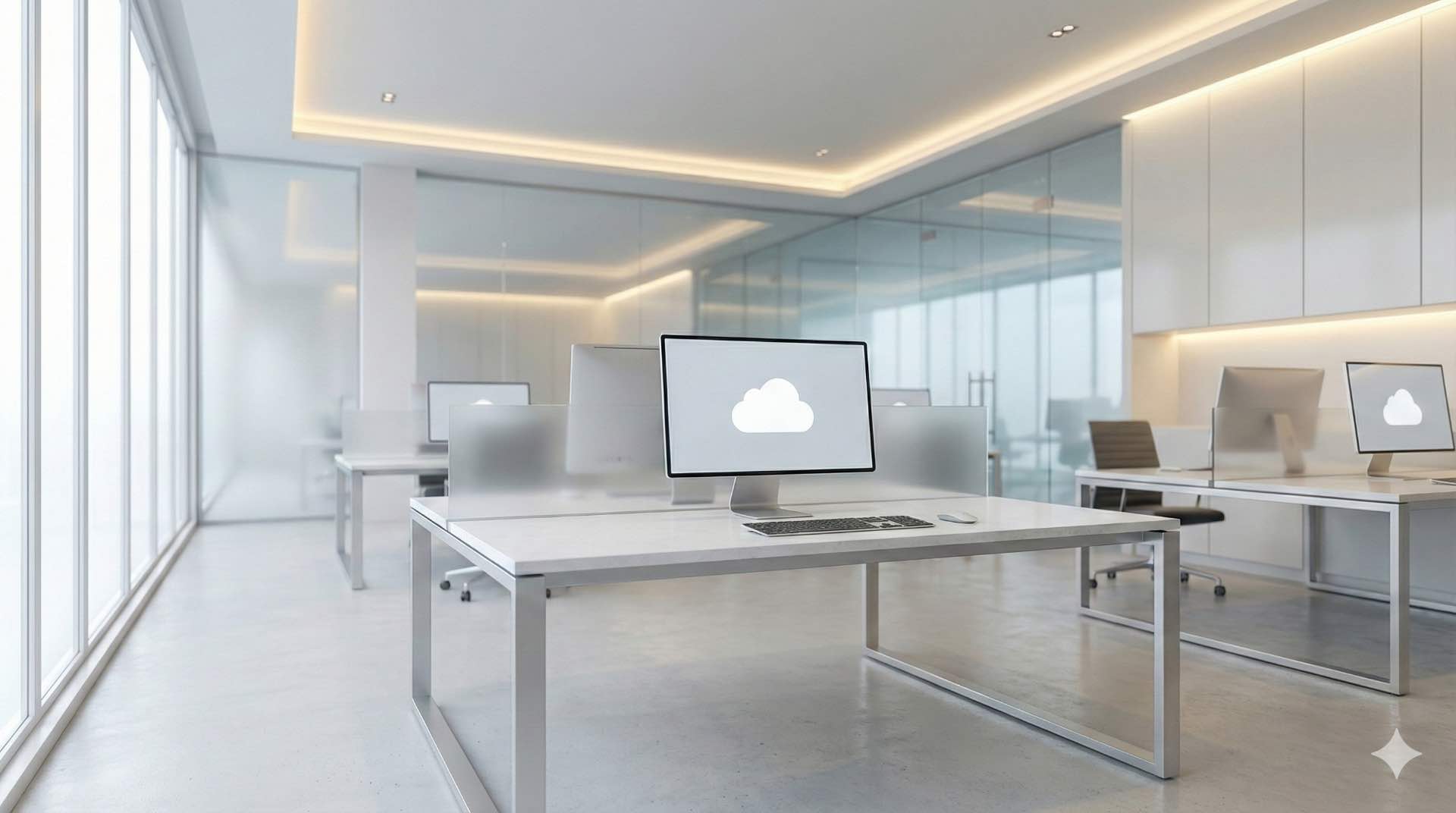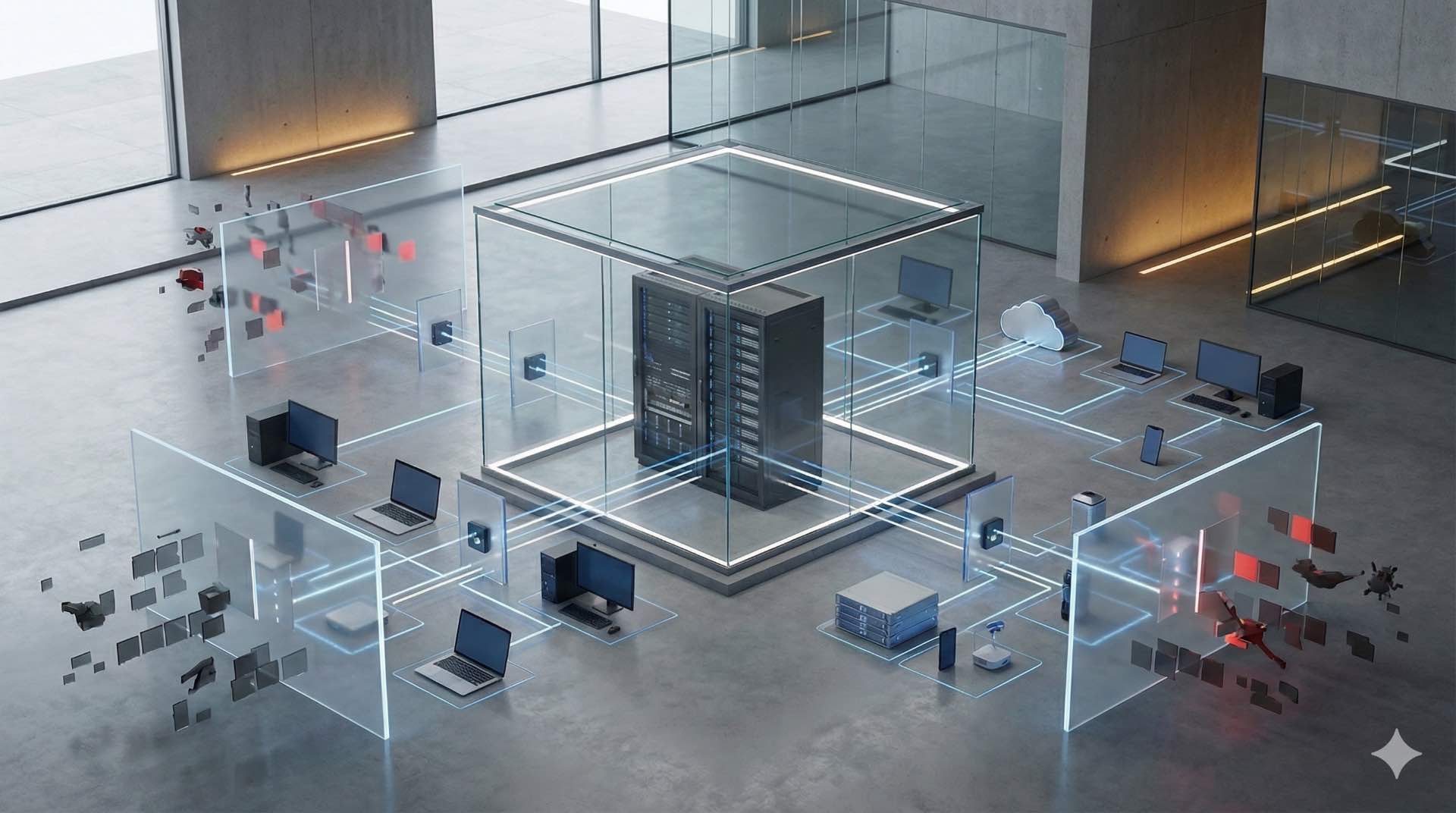



Discover hybrid work video conferencing solutions and collaboration tools for remote meeting success. IT managers learn to optimize conference room technology.
The workplace has fundamentally changed. Hybrid work environments now mix in-office and remote teams daily. Video conferencing technology bridges these locations seamlessly when implemented correctly. Organizations investing in quality collaboration tools report productivity gains of 30-40%. Your conference room setup directly impacts team engagement. Remote meeting quality affects business outcomes significantly.
Most companies still get this wrong. They install basic webcams and wonder why remote participants feel excluded. Poor audio frustrates everyone. Bad camera angles create disconnect. The technology exists to solve these problems completely. You just need to understand what actually works for real-world hybrid work scenarios.
Understanding Hybrid Work Video Conferencing Fundamentals
Modern workplaces blend physical and digital environments. Some team members work from offices while others connect remotely. This creates unique communication challenges that traditional systems can’t address properly. Understanding these fundamentals helps you make smarter technology decisions.
Defining Hybrid Work Models and Communication Needs
Companies implement hybrid work differently based on their culture. About 60% of knowledge workers now have flexible arrangements. Some organizations mandate three office days weekly. Others offer complete flexibility. Your video conferencing infrastructure must support whatever model you choose.
Different teams have distinct needs. Sales requires quick calls with clients throughout the day. Engineering needs robust screen sharing for complex diagrams and code reviews. Executive meetings demand broadcast-quality production values. Marketing teams often record presentations for wider distribution. One size doesn’t fit all these scenarios.
The biggest challenge? Creating equity between locations. Remote participants often struggle to hear clearly during discussions. Poor camera angles exclude them from visual cues and body language. They feel disconnected from decision-making. Quality collaboration tools eliminate these disparities. When done right, remote participants engage just as actively as in-room attendees.
Evolution of Video Conferencing Technology
Early conference room systems cost $50,000-100,000 per installation. Only executives had access to these expensive setups. Technology was unreliable and complicated. IT staff spent hours troubleshooting connection problems. The experience rarely justified the investment.
Cloud platforms changed everything around 2015. Zoom and Teams made video conferencing accessible to everyone. Costs dropped dramatically. A decent setup now costs thousands instead of hundreds of thousands. Quality improved significantly with better compression algorithms and network infrastructure.
Today’s systems use AI extensively. Cameras track speakers automatically without manual adjustment. Microphones filter background noise intelligently. Software optimizes bandwidth in real-time based on network conditions. These advances create natural meeting experiences. Participants focus on conversations rather than fighting with technology.
Key Differences Between Traditional and Hybrid Meeting Spaces
Traditional conference rooms served only in-person attendees. Everyone gathered around one table with a single display. A simple speakerphone handled calls. This worked fine when remote participation was rare.
Hybrid work spaces accommodate two audiences simultaneously. In-room participants need proper sightlines and comfortable seating. Remote attendees require quality audio and video feeds showing the entire room. They also need visibility into shared content. Technology must bridge both experiences seamlessly.
Equipment placement becomes critical. Cameras must capture everyone equally regardless of seating position. Microphones need omnidirectional pickup without creating echo. Displays should show remote participants prominently so in-room attendees make eye contact. Getting these details right separates effective systems from frustrating ones.
Essential Video Conferencing Hardware Components
Quality hardware makes or breaks your hybrid work success. Cheap equipment creates constant frustration and user complaints. The right components ensure reliable performance day after day. Investing properly here saves countless support headaches later.
Camera Systems and AI-Powered Tracking Technology
Modern cameras intelligently frame participants during discussions. AI algorithms identify speakers automatically within milliseconds. The camera zooms and pans to keep everyone in view without operator intervention.
PTZ cameras offer mechanical movement capabilities. They rotate 180-270 degrees horizontally covering entire rooms. Vertical tilting provides flexibility for different table heights. Optical zoom maintains image quality during closeups unlike digital zoom which pixelates.
Multi-camera systems work even better for larger spaces. One camera captures the entire room providing context. Additional cameras provide speaker closeups showing facial expressions. Software switches between views automatically creating broadcast-quality experiences. This approach feels more natural than single static views.
Resolution matters significantly for clarity. 1080p represents the minimum acceptable standard today. 4K cameras deliver exceptional detail that participants appreciate. However, they require more bandwidth. Balance quality needs against network capacity.
Microphone Arrays and Beamforming Audio Solutions
Audio quality beats video importance every single time. People tolerate pixelated video temporarily during bandwidth issues. Poor audio makes remote meetings completely unusable. Nobody can follow conversations they can’t hear clearly.
Beamforming microphone arrays revolutionize audio capture technology. They contain multiple microphone elements working in coordination. Digital signal processing identifies which direction sound comes from. The system focuses on active speakers dynamically. Background noise gets suppressed automatically without affecting speech quality.
Ceiling microphones work well in larger conference rooms and boardrooms. They capture sound from above participants avoiding visual clutter. This prevents blocking sightlines or creating desk clutter. Installation requires professional acoustical planning for optimal coverage patterns.
Table microphones suit smaller rooms perfectly. They sit at the discussion center within natural speaking range. Participants speak normally without adjustment. Multiple units can be daisy-chained together for larger tables. Modern versions include touch-mute buttons for privacy.
Display Technologies for Conference Rooms
Displays present content to in-room participants clearly. Size and placement affect visibility dramatically. Choose displays appropriate for room dimensions and viewing distances.
LED displays offer superior brightness and contrast ratios. They work well in brightly-lit environments with windows. Sizes range from 55 to 98 inches for typical installations. Larger spaces may require multiple displays or video walls.
Interactive displays enable collaborative workflows naturally. Participants can annotate shared content during brainstorming. Touch interfaces feel intuitive reducing training requirements. This encourages active engagement beyond passive viewing.
Dual-display configurations enhance experiences significantly. One screen shows remote participants at life-size. The other displays shared content and presentations. This prevents constant view switching that disrupts conversation flow.
Processing Units and Control Systems
Processing units handle video encoding and decoding efficiently. Audio processing happens here including echo cancellation. Network connectivity runs through these devices to cloud platforms.
Control systems simplify user operation dramatically. Touch panels provide intuitive interfaces anyone can understand. Users start meetings with one button press. This reduces technical support requirements and eliminates delays from technical difficulties.
Integration capabilities determine system flexibility long-term. HDMI inputs connect laptops easily for guest presenters. USB connections support peripheral devices like document cameras. Network interfaces enable cloud platform access and remote management.
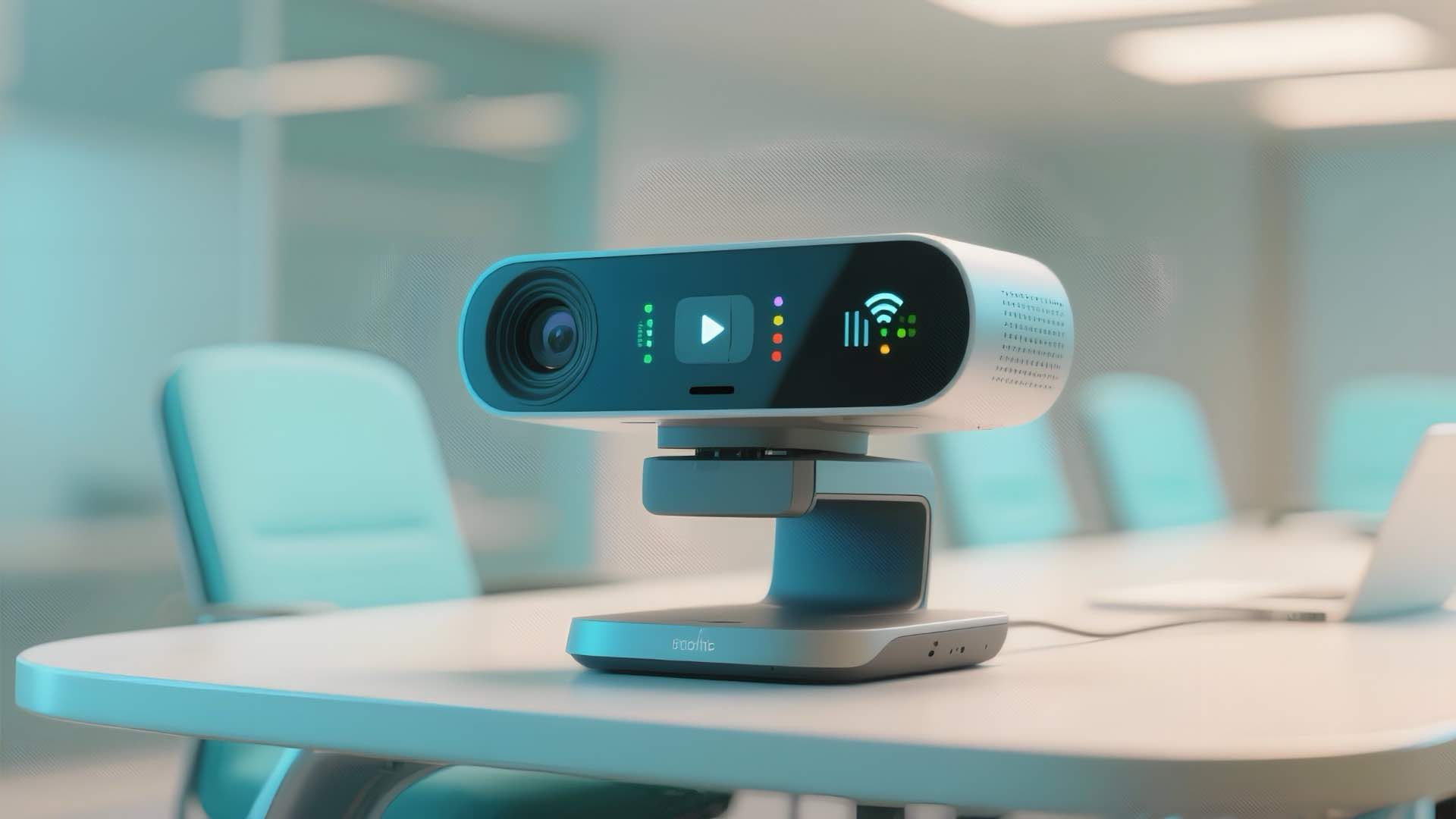
Leading Video Conferencing Software Platforms
Software platforms determine user experience quality fundamentally. They enable actual communication between participants. Choosing the right platform impacts adoption rates significantly. Users gravitate toward platforms that work reliably and intuitively.
Microsoft Teams Features and Integration Capabilities
Teams dominates enterprise deployments for good reasons. It integrates deeply with Microsoft 365 applications. Organizations using Office find natural synergy across tools. File sharing happens seamlessly during meetings. Documents open directly from conversations without switching applications.
Teams Rooms provide dedicated hardware solutions for conference spaces. Calendar integration enables one-touch joining from Outlook. Security features meet enterprise requirements with end-to-end encryption options. Administrative controls allow IT departments to manage deployments centrally. Guest access works smoothly for external participants.
Zoom Rooms for Hybrid Environments
Zoom gained popularity for reliability and ease of use. The platform scales from personal calls to massive webinars. Hardware partners provide certified devices specifically designed for Zoom Rooms. Setup proves straightforward for IT teams.
Features include breakout rooms for smaller group discussions. Virtual backgrounds maintain privacy for home workers. Recording capabilities support training and documentation needs. Third-party integrations extend functionality significantly. The platform prioritizes stability over feature bloat.
Google Meet and Workspace Integration
Meet integrates tightly with Google Workspace applications. Calendar invitations include meeting links automatically. Joining requires no software downloads making it accessible. Web browsers provide full functionality without plugins.
AI features enhance quality automatically. Noise cancellation filters background sounds effectively. Low-light mode improves visibility in dim conditions. Live captions support accessibility needs and language learning. The platform emphasizes simplicity and inclusivity.
Cisco Webex and Enterprise Solutions
Webex serves large enterprise deployments with complex requirements. It offers robust security features and comprehensive compliance certifications. Premium devices provide exceptional quality for executive spaces.
Advanced features include real-time translations for global teams. AI assistants take notes automatically and summarize action items. Analytics provide usage insights for optimization. These capabilities justify premium pricing for organizations requiring enterprise-grade features. Government agencies often choose Webex for security certifications.
Audio Quality Optimization for Hybrid Meetings
Audio quality determines meeting effectiveness. Crystal-clear sound enables natural conversations. Poor audio destroys the experience.
Acoustic Treatment and Room Design Considerations
Room acoustics affect quality dramatically. Hard surfaces reflect sound waves creating echoes. Soft materials absorb sound effectively.
Acoustic panels control reflections strategically. They mount on walls and ceilings. Fabric-wrapped panels look professional. Carpet and furniture provide natural absorption.
Echo Cancellation and Noise Suppression Technology
Echo cancellation prevents feedback loops. The system compares outgoing and incoming audio. Matching signals get suppressed enabling natural conversations.
Noise suppression filters unwanted sounds. AI algorithms identify human speech. Background noises like typing disappear automatically. Modern systems process audio in real-time with imperceptible latency.
Speaker Placement and Sound Distribution
Speaker placement affects intelligibility. Sound should reach all participants equally. Ceiling speakers distribute sound evenly. Multiple units prevent dead zones. Soundbars work well for smaller spaces.
Network Infrastructure Requirements
Network infrastructure supports all communication. Inadequate networks create poor experiences. Plan capacity carefully.
Bandwidth Planning for Video Conferencing
HD video requires 2-4 Mbps per participant. 4K video needs 10-15 Mbps. Multiple simultaneous meetings multiply requirements. Calculate total needs carefully. Add 20-30% overhead for reliability.
Wired connections outperform wireless consistently. Ethernet provides stable connectivity. Wi-Fi introduces variables and interference.
Quality of Service Configuration
QoS prioritizes video traffic. Routers need proper configuration. Voice and video get highest priority. This prevents competing traffic interference. Testing validates effectiveness under load.
Firewall and Security Protocol Management
Firewalls protect networks but can block legitimate traffic. Video conferencing requires specific ports. Whitelist trusted platforms. VPN connections may impact performance through encryption overhead.
Integration with IT Infrastructure
Seamless integration reduces user friction. Systems should work with existing tools. Standalone solutions create silos.
Single Sign-On and Authentication Systems
SSO enables one-login access. Users authenticate once centrally. Active Directory and Azure AD support enterprise deployments. Multi-factor authentication adds security layers.
Calendar and Scheduling Integration
Calendar integration streamlines meeting creation. Outlook and Google Calendar work seamlessly. One-touch join eliminates technical barriers. Room booking prevents scheduling conflicts.
Content Sharing and Collaboration Platforms
Screen sharing enables visual communication. Digital whiteboarding encourages brainstorming. File sharing integration supports productivity with real-time co-editing.
Conference Room Design for Hybrid Work
Room design determines experience quality. Thoughtful layouts accommodate both audiences. Poor design creates participation inequity.
Small Huddle Space Solutions
Huddle spaces accommodate 2-4 people. All-in-one devices work perfectly here. Single soundbars contain camera, microphone, and speaker. 55-inch displays provide adequate visibility.
Medium Conference Room Configurations
Medium rooms seat 6-12 participants. Separate camera and audio components perform better. PTZ cameras track speakers effectively. Dual displays improve visibility. Touch control panels simplify operation.
Large Boardroom and Auditorium Setups
Large spaces require professional design. Multiple cameras provide coverage flexibility. Sophisticated audio systems ensure clarity. Line array speakers distribute sound evenly.
Security and Compliance Considerations
Security protects sensitive information. Compliance meets regulatory requirements. Neglecting these creates serious risks.
End-to-End Encryption Standards
Encryption protects data during transmission. End-to-end encryption ensures maximum security. Verify encryption status before sensitive discussions. Certificate management requires attention.
Data Privacy and GDPR Compliance
GDPR affects European operations. Recording consent becomes mandatory. Cloud storage location matters legally. Retention policies prevent unnecessary risk.
Access Control and User Management
User provisioning controls system access. Waiting rooms provide control for hosts. Meeting passwords add security layers. Balance requirements with user experience.
Implementation Best Practices
Successful implementation requires careful planning. Rushed deployments create ongoing problems. Follow proven methodologies for hybrid work success.
Needs Assessment and Planning
Assess organizational requirements thoroughly. Interview stakeholders across departments. Document current infrastructure capabilities. Create detailed specifications including functional and technical requirements.
Installation and Configuration
Professional installation ensures quality results. Certified technicians optimize system performance. Cable management affects reliability and appearance. Testing validates functionality before rollout.
User Training and Adoption Strategies
Training determines adoption success. Provide hands-on sessions in actual conference rooms. Create quick reference guides showing common tasks. Video tutorials help visual learners master collaboration tools quickly.
Troubleshooting Common Video Conferencing Issues
Technical problems occur inevitably. Quick resolution minimizes disruption. Understanding common issues helps maintain effectiveness.
Audio Problems and Solutions
Echo problems frustrate participants. Check for multiple audio sources. Mute unused devices. One-way audio indicates configuration problems. Background noise requires noise suppression features or better microphones.
Video Quality and Latency Issues
Pixelated video indicates bandwidth problems. Use wired connections. Frozen video suggests network congestion. Lip-sync problems indicate latency requiring reduced processing overhead.
Connectivity and Network Challenges
Cannot join meetings requires connectivity verification. Check firewall configurations. Dropped connections need network stability investigation. Slow startup benefits from optimized boot times.
Measuring ROI and Business Value
Technology investments require justification. ROI analysis demonstrates value. Multiple metrics reveal benefits comprehensively.
Cost Savings from Reduced Travel
Business travel expenses decrease dramatically with hybrid work. Flights and hotels cost thousands. Video conferencing eliminates many trips. Time savings matter significantly too. Environmental benefits support sustainability goals.
Productivity Gains and Time Efficiency
Meeting setup time decreases substantially. Decision-making accelerates considerably. Teams collaborate regardless of location. Documentation improves through recording capabilities. Projects complete ahead of schedule.
Employee Satisfaction and Retention Benefits
Flexibility attracts top talent. Candidates expect hybrid work options. Work-life balance improves noticeably. Commute elimination saves hours daily. Retention rates improve with flexibility offered.

Future Trends in Hybrid Work Technology
Technology continues evolving rapidly. Staying informed ensures competitive advantage. Emerging capabilities promise significant improvements.
AI-Driven Meeting Assistance
AI assistants take meeting notes automatically. They identify action items. Real-time translation breaks language barriers. Sentiment analysis gauges meeting effectiveness providing continuous feedback.
Holographic and Mixed Reality Solutions
Holographic displays create realistic presence. Remote participants appear three-dimensionally. Mixed reality enables spatial collaboration. Teams manipulate 3D models together. Virtual environments simulate physical presence.
Sustainability and Green AV Technology
Energy-efficient equipment reduces environmental impact. LED displays consume less power. Recyclable materials become standard. Carbon-neutral operations become achievable through green initiatives.
Workplace transformation continues accelerating through hybrid work adoption. Video conferencing infrastructure represents permanent investments. Organizations need quality conference room technology. Proper collaboration toolsenable distributed teams to thrive effectively. Thoughtful remote meeting design creates participation equity. Well-equipped systems bridge physical and digital worlds seamlessly. Companies prioritizing these investments gain competitive advantages through improved productivity and employee satisfaction using modern video conferencing, conference room, collaboration tools, and remote meeting solutions for successful hybrid work environments.